
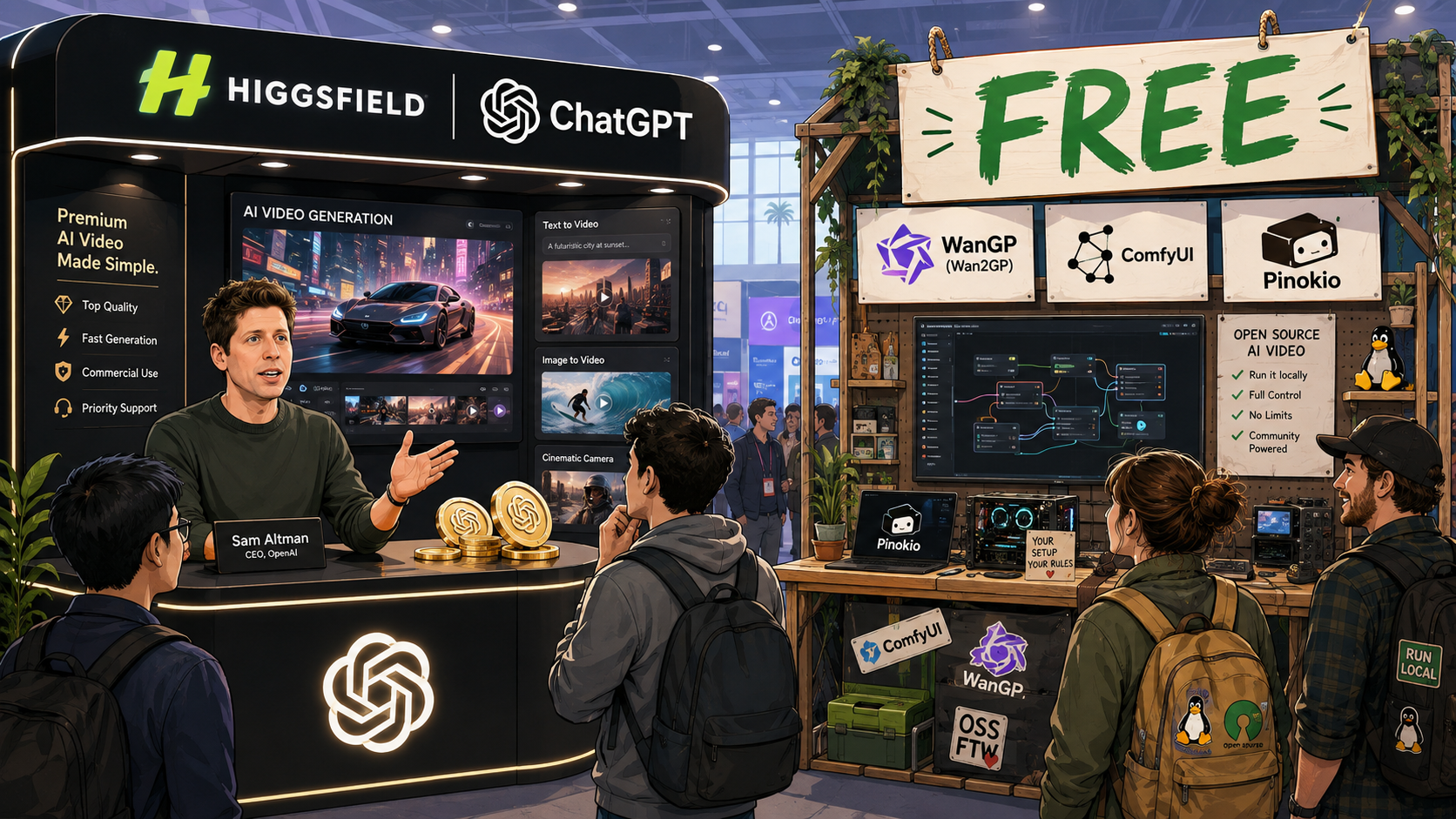
Higgsfield’s video generator went live inside the ChatGPT app this week. If you’d rather not pay per generation, free open source AI video generators just became a lot more relevant, and worth knowing about before you spend a single credit.
What Higgsfield in ChatGPT Actually Is
The Higgsfield plugin now runs directly inside a ChatGPT conversation. It gives access to models including Seedance 2.5, Seedance 2.0, Seedream 5.0 Pro, GPT Image 2.0, and Kling 3.0, along with built in skills like Faceless Channel, Narrator, and Subtitles, without leaving the chat window.
This isn’t new territory for OpenAI. Apps first arrived inside ChatGPT in October 2025 with early partners like Figma, Canva, Spotify, and Zillow, then opened to any developer that December. OpenAI folded that system into a broader plugin directory this July, and Higgsfield’s ChatGPT listing sits inside that same current system. Higgsfield is simply the newest name to plug into a path that already existed.
What it isn’t is free to actually use. Higgsfield runs a free tier with limited credits, then paid plans built around monthly credit allowances for anything beyond light testing. The ChatGPT plugin gives you a faster way in, but generation still draws on your existing Higgsfield account and whatever credits are left on it. ChatGPT is a new door, not a new price.
The Free Open Source AI Video Generators Worth Knowing
If you’d rather skip credits altogether, open source tools have gotten capable enough to be a real alternative for a lot of use cases.
The one getting attention right now is WanGP, also known as Wan2GP. It’s free, released under the MIT license, and runs several serious model families, including Wan 2.1/2.2, LTX-2, Hunyuan Video, Flux, and Qwen Image, inside one browser based interface on your own computer. No subscription, no credits, no account required.

It isn’t the only option. ComfyUI is still the most widely used tool in this space, more flexible than WanGP but built around a node based workflow with a longer learning curve. Pinokio, a one click installer for local AI tools, has gone further and built its own all in one studio directly on the WanGP pipeline, so the two projects aren’t really separate anymore. They’re two doors into a lot of the same house.
What You Actually Need to Run Them
The real cost of open source video generation isn’t money. It’s hardware.
These tools are built around NVIDIA’s CUDA platform. You need an actual NVIDIA graphics card, generally 6 to 8GB of VRAM at minimum for the smaller models, more for anything ambitious. Apple Silicon Macs, including newer MacBook Airs, aren’t officially supported. There’s still an open, unresolved request on WanGP’s own GitHub asking the maintainers to document what a Mac port would even require, which tells you how early that support is.
If you don’t own a machine like that, renting a GPU by the hour through a service like RunPod or Vast.ai, or testing on Google Colab’s free tier, typically costs a few dollars for hours of generation time. That often works out cheaper and less frustrating than trying to force a laptop to do something it wasn’t built for.
Which One Should You Actually Use
If you want to test an idea quickly and don’t mind spending credits, Higgsfield inside ChatGPT removes almost all the friction. Open the chat, describe what you want, done.
If you plan to generate video regularly and want to avoid recurring costs, and you already own or can rent the right hardware, open source tools pay for themselves fast. If you’re on a Mac without a discrete NVIDIA GPU, renting is currently the more realistic route than waiting on local support that doesn’t exist yet.
Follow What I’m Building With AI
A practical dispatch on the AI news worth knowing, the tools I’m testing, and the real lessons from projects I’m building in public. Plus occasional interactive workshops when there’s something worth exploring together.
Free to join. Unsubscribe anytime.
FAQ
Is Higgsfield free to use in ChatGPT?
There’s a free tier with limited credits, but real use draws on Higgsfield’s paid credit system either way. The ChatGPT plugin changes where you access it, not what it costs.
Can I run Wan2GP or similar AI video tools on a Mac?
Not officially, at least not yet. These tools are built for NVIDIA’s CUDA, and Apple Silicon support is still an open, unresolved request on the project’s GitHub. Renting a cloud GPU is the more realistic route for Mac users right now.
What’s the cheapest way to generate AI video without a subscription?
Running an open source tool like WanGP on your own NVIDIA GPU costs nothing beyond electricity once it’s set up. If you don’t own that hardware, renting a GPU by the hour is usually cheaper than a monthly subscription if you’re only generating occasionally.



Leave a Reply